
If your organization uses the AI Pocket Mentor through an enterprise plan, admins can invite team members to create their accounts or remove an account.
-
Go to the Soul Purpose Institute website. Select Log In.
_88e43e3a-3c94-417f-969c-d423438cc70a.png)
-
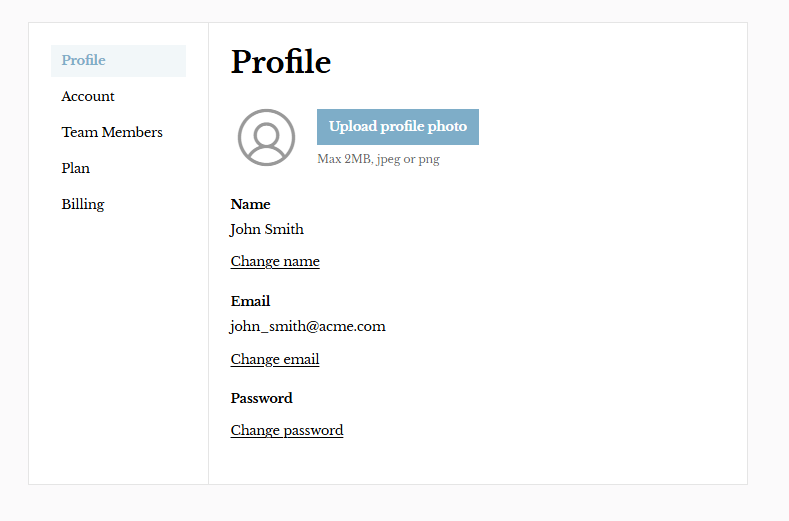
Navigate to Profile.
-
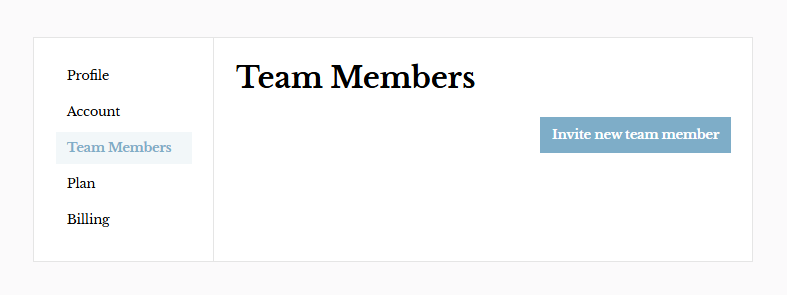
Click Team Members → Invite New Team Member.
-
Enter the team member’s name and email.
-
The invitation is sent to the new team member via email to prompt them to create their password and access their dashboard.