
Use this guide if you forgot your password or need to reset it for security purposes.
Forgot Password
If you cannot log in because you forgot your password, follow these steps:
-
Visit the Soul Purpose Institute website.
-
Scroll to the footer and select Client Log In.
_931de4b5-7240-4107-84dd-33b8a3452fde.png)
-
On the login page, select Forgot Password.
-
Enter the email address associated with your AI Pocket Mentor account.
-
Check your inbox for the password reset email.
-
If you don’t see it, check your spam or junk folder.
-
Select the link in the email and follow the instructions to set a new password.
Update Password
If you are already logged in and want to change your password:
-
Visit
soulpurposeinstitute.com/profile. -
Sign in if prompted.
-
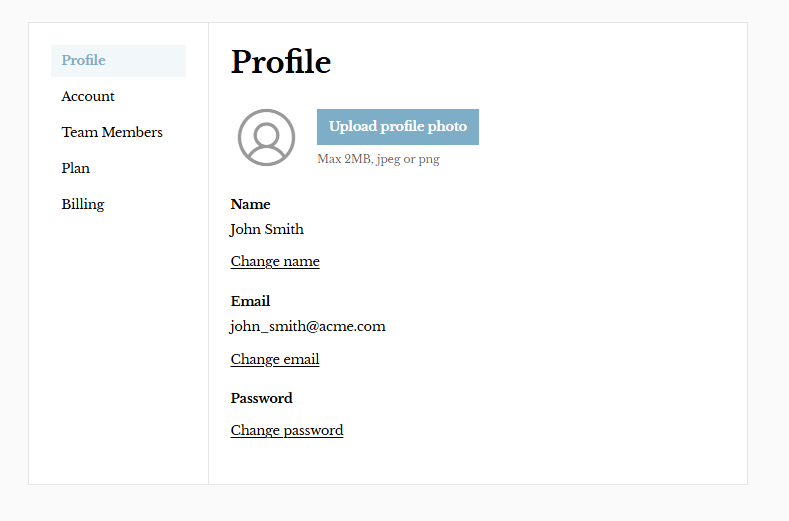
Navigate to your Profile settings.
-
Select the option to update or change your password.
-
Enter your current password and set a new one.
-
Save your changes.